Last updated May 18, 2026.
Running a successful Shopify store is no longer just about great products. It’s about the system around them: how quickly orders are screened, how cleanly fraud is caught, how confidently risky transactions are routed, and how reliably loyal customers get the seamless experience that keeps them coming back. For Shopify merchants using Wyllo, the CX-first risk intelligence platform, Advanced Rules are one of the highest-leverage configuration choices available.
Wyllo Advanced Rules let merchants build dynamic, nested decisioning logic on top of the AI-driven screening that runs by default. Unlike basic allowlist or blocklist rules that rely on a single data point, Advanced Rules support multi-condition logic, pre- and post-screening triggers, and merchant-specific tuning that fits your business rather than a generic average.
Eight rules every Shopify merchant on Wyllo should consider configuring today.
1. Automate Fraud Detection to Protect Revenue
Fraudulent transactions hurt revenue directly and erode customer trust over time. Advanced Rules let you identify and mitigate risk automatically, saving time and reducing losses while keeping the experience clean for legitimate customers.
A few Shopify advanced rules worth setting up:
- Billing and shipping mismatch screening. Flag orders where billing and shipping addresses don’t align in expected ways, especially when paired with other signals.
- IP-based risk flags. Score risk based on IP origin, including high-risk geographies and IP addresses that don’t fit the customer’s stated location.
- Velocity checks. Watch for unusually high order values or multiple transactions from the same IP, device, or card within a short timeframe. Velocity is one of the most reliable early indicators of automated abuse.
When conditions match, configure actions to automatically decline suspicious orders, route them for manual review, or trigger additional verification.
2. Auto-Fulfill Orders for Loyal Customers and Influencers
In ecommerce, every second of fulfillment delay costs goodwill with the customers you most want to keep. Automated fulfillment for trusted repeat customers and influencers creates a smoother, faster experience and frees the team from manually approving orders that don’t need scrutiny.
A simple rule:
- Condition: Customer has placed more than 5 orders in the past 6 months with no chargebacks or returns flagged as abuse.
- Action: Automatically approve and fulfill the order without delay.
This rewards loyal customers and influencers with faster service, reduces manual workload, and frees your team to focus on the orders that genuinely need review.
3. Prevent High-Risk Transactions With Risk Scoring
Risk scoring assigns a probability value to how “risky” each order is. By combining Wyllo’s risk score with Advanced Rules, you can take immediate action on the orders most likely to result in chargebacks.
Example:
- Condition: Order has a high-risk flag AND total is over $500.
- Action: Automatically cancel the order and notify the customer support team.
Pro tip: always include an escalation path for questionable transactions that warrant a human eye. The strongest fraud programs pair automation with human oversight on the borderline cases. That’s the AI-plus-human-experts model that powers Wyllo Payment Fraud Protection.
4. Set Minimum Thresholds for Free Shipping
Free shipping drives conversion, but unchecked it eats margin. Advanced Rules let you set eligibility criteria for when free shipping applies so the offer stays sustainable.
Example:
- Condition: Cart total is less than $50 AND a discount code has been applied.
- Action: Remove the free shipping tier from this order.
This ensures free shipping and discounts only stack when the math works. You can extend the same logic to category-specific thresholds, customer tier minimums, or seasonal promotions.
5. Flag Suspicious Bulk Orders
Bulk orders from new or unverified accounts are one of the most reliable signals of unauthorized reseller activity. Resellers stock up on discounted or limited-edition products with the intent to mark them up on secondary marketplaces, damaging brand reputation and disrupting inventory for the customers you actually want to reach.
A two-condition rule:
- Condition 1: Cart contains more than 10 units of a single SKU.
- Condition 2: Customer account has no prior purchase history or is newly created.
- Action: Route the order for manual review.
For deeper reseller and bot defense, Wyllo Bot and Reseller Detection layers on the device, network, telemetry, and behavioral signals that catch alias accounts trying to disguise reseller intent.
6. Prevent Chargebacks From Unverified Emails
Unverified or disposable email addresses are a common entry point for fraudulent activity that ends in costly chargebacks. Proactive screening at the email layer catches a meaningful share of bad orders before they reach fulfillment.
A two-condition rule:
- Condition 1: Customer has no prior account activity.
- Condition 2: Email address is flagged as disposable or suspicious.
- Action: Require payment verification or route to the fraud team.
Pro tip: pair this rule with an email verification tool. The same signal that blocks fraudulent email addresses also improves marketing list quality by filtering out the addresses that wouldn’t have engaged anyway.
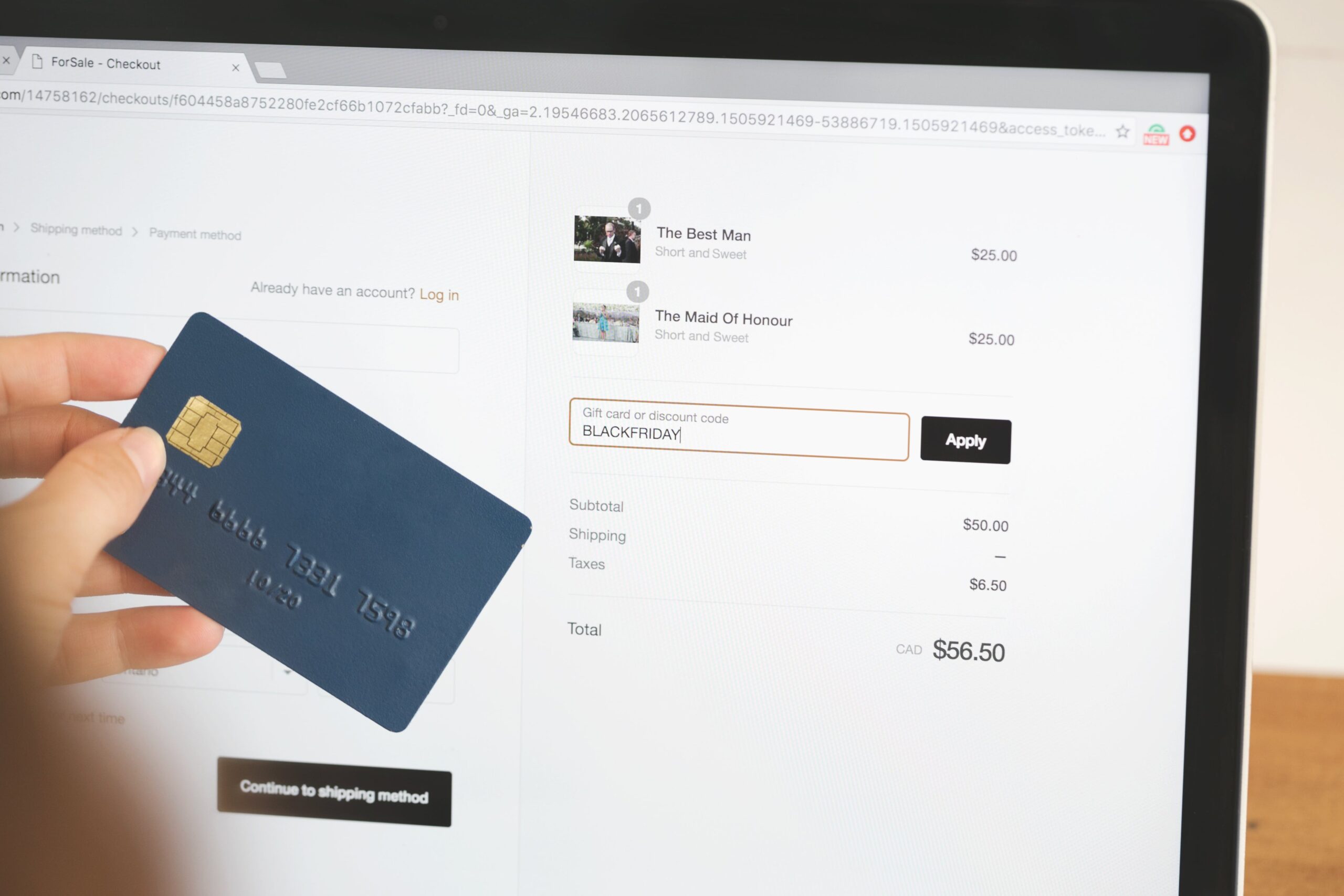
7. Prevent Promo Abuse
Discount codes are a heavily abused surface in ecommerce. Advanced Rules let you set precise conditions that maintain promotional integrity without hurting legitimate redemption.
Three scenarios worth configuring:
- Scenario 1: A 100%-off discount code reduces an order total so cart price covers only shipping.
- Action: Block the transaction and route for review.
- Scenario 2: Specific discount codes are used with restricted products or SKUs.
- Action: Disable the discount code and notify marketing to adjust the campaign.
- Scenario 3: A customer redeems the same promo code on more than three orders in a single month.
- Action: Temporarily disable the code for that customer and notify the team to re-engage with a personalized offer.
For broader policy abuse beyond promo codes (refund manipulation, account takeover, claim fraud), Wyllo Claim and Policy Abuse Prevention catches the patterns upstream before they cascade into chargebacks.
8. Stop Subscription Abuse
Subscription businesses face a specific category of abuse: account multiplication, trial stacking, and credential sharing that bypasses paying-customer limits. Advanced Rules let you detect and block these patterns systematically.
Three scenarios:
- Scenario 1: A user creates multiple accounts using slight variations of the same email address (e.g.,
customer+1@domain.com,customer+2@domain.com).- Action: Detect and block duplicate accounts to prevent fraudulent activity.
- Scenario 2: A customer repeatedly signs up for free trials using slightly altered but deliverable shipping addresses.
- Action: Flag the activity and restrict additional sign-ups from the same actor.
- Scenario 3: Multiple users share a single subscription account beyond authorized limits.
- Action: Monitor login activity, restrict access, and notify the account holder to upgrade or comply with terms.
For subscription-specific fraud across signups, rebills, and reactivations, Wyllo Claim and Policy Abuse Prevention and Bot and Reseller Detection together address most of the common patterns.
Frequently Asked Questions
What are Wyllo Advanced Rules?
Advanced Rules are Wyllo’s configurable decisioning layer that lets merchants build dynamic, multi-condition logic on top of the platform’s AI-driven fraud screening. Unlike simple allowlist or blocklist rules that act on a single data point, Advanced Rules support nested conditions, pre- and post-screening triggers, and matching functions (contains, greater than, equals) for precise rule definitions. See the Wyllo Help Center for current configuration documentation.
How are Advanced Rules different from basic Shopify fraud filters?
Shopify’s built-in fraud screening (and the legacy Fraud Filter, sunset in January 2025) relies on single-data-point rules that produce simple high/medium/low risk scores. Wyllo Advanced Rules support multi-condition logic, integrate with the broader Wyllo risk intelligence platform, and produce actionable pass/fail decisions paired with embedded automation (auto-fulfill, auto-cancel, route-to-review). The depth difference is meaningful for merchants who’ve outgrown basic platform tools.
Will Advanced Rules slow down checkout for legitimate customers?
No. Advanced Rules run as part of Wyllo’s real-time decisioning engine, with most decisions completed in milliseconds. The pass/fail recommendations and automated actions trigger immediately, so legitimate orders flow through without added friction. The auto-fulfill rule for loyal customers actually speeds checkout up for your best buyers.
Can I run Advanced Rules and Wyllo’s AI screening at the same time?
Yes. That’s the intended configuration. Advanced Rules can run as pre-screening logic (before automated screening fires) or post-screening logic (after automated screening completes), giving you control over where merchant-specific context overrides or augments the AI’s decision. Most merchants use both layers together.
How long does it take to set up Advanced Rules?
The rules themselves take minutes to configure once you know what logic you want. The harder part is usually deciding which rules to deploy first. The eight scenarios in this post are the most common starting points; the Wyllo team typically helps new merchants set up the first round during onboarding.
What’s the chargeback impact of well-tuned Advanced Rules?
Significant, especially when paired with Wyllo Payment Fraud Protection’s optional chargeback guarantee. The rules catch a meaningful share of fraud upstream, the AI plus human expert review handles the borderline cases, and the chargeback guarantee covers residual loss. Most merchants see measurable reductions in chargeback rate within the first billing cycle after deploying both layers together.
A Smarter Way to Manage Your Shopify Store
The right tools turn fraud prevention from operational drag into operational leverage. By leveraging Wyllo Advanced Rules, Shopify merchants gain better control over operations, minimize fraud risk, and create a cleaner shopping experience for the customers who matter most.
Think of these eight rules as a foundation rather than a final state. As your business grows, the rules adapt: new categories, new abuse patterns, new automation opportunities. With Advanced Rules paired with the broader Wyllo platform, tasks like order verification, fraud detection, and workflow automation become things your team configures once and trusts to run.
Curious how Wyllo Advanced Rules would fit your specific Shopify business? Visit wyllo.ai to learn more or request a conversation with the team. Designed to think ahead. Less reaction. More reason.