A buyer’s guide to the integration section of the evaluation: which surfaces matter, how to test depth instead of counting logos, and what to ask before signing.
Fraud protection software integrations determine how much of the tool’s intelligence actually reaches your business. A decisioning engine that cannot see your returns data judges half a customer. A verdict that cannot reach your helpdesk leaves agents guessing. Evaluating integrations well means checking two things the logo wall on a vendor’s website never shows: whether the tool connects to the specific surfaces where your revenue and losses live, and how deep each connection runs.
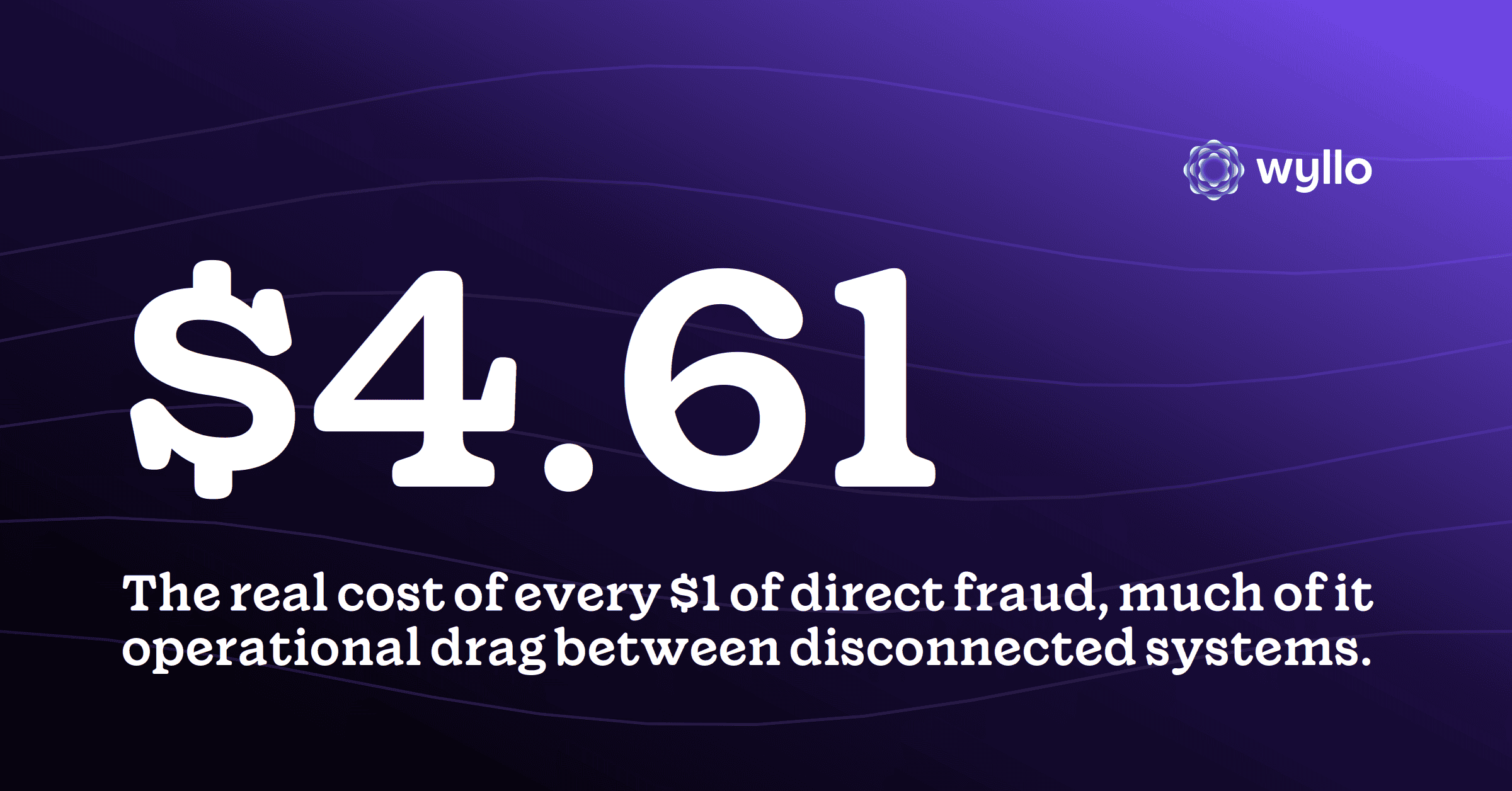
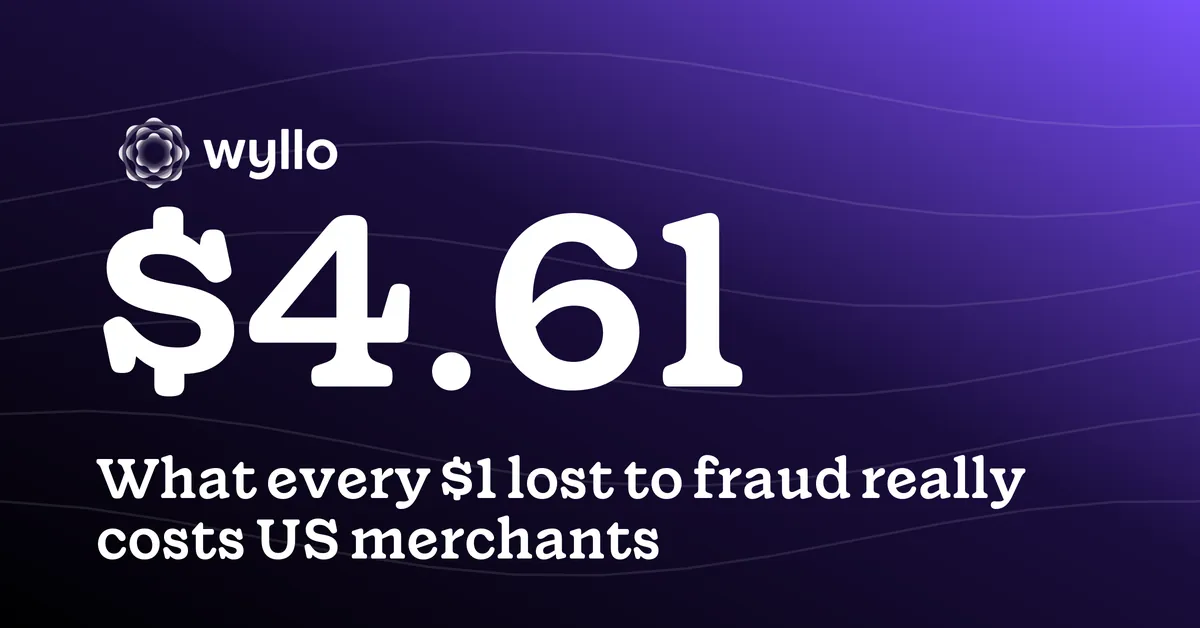
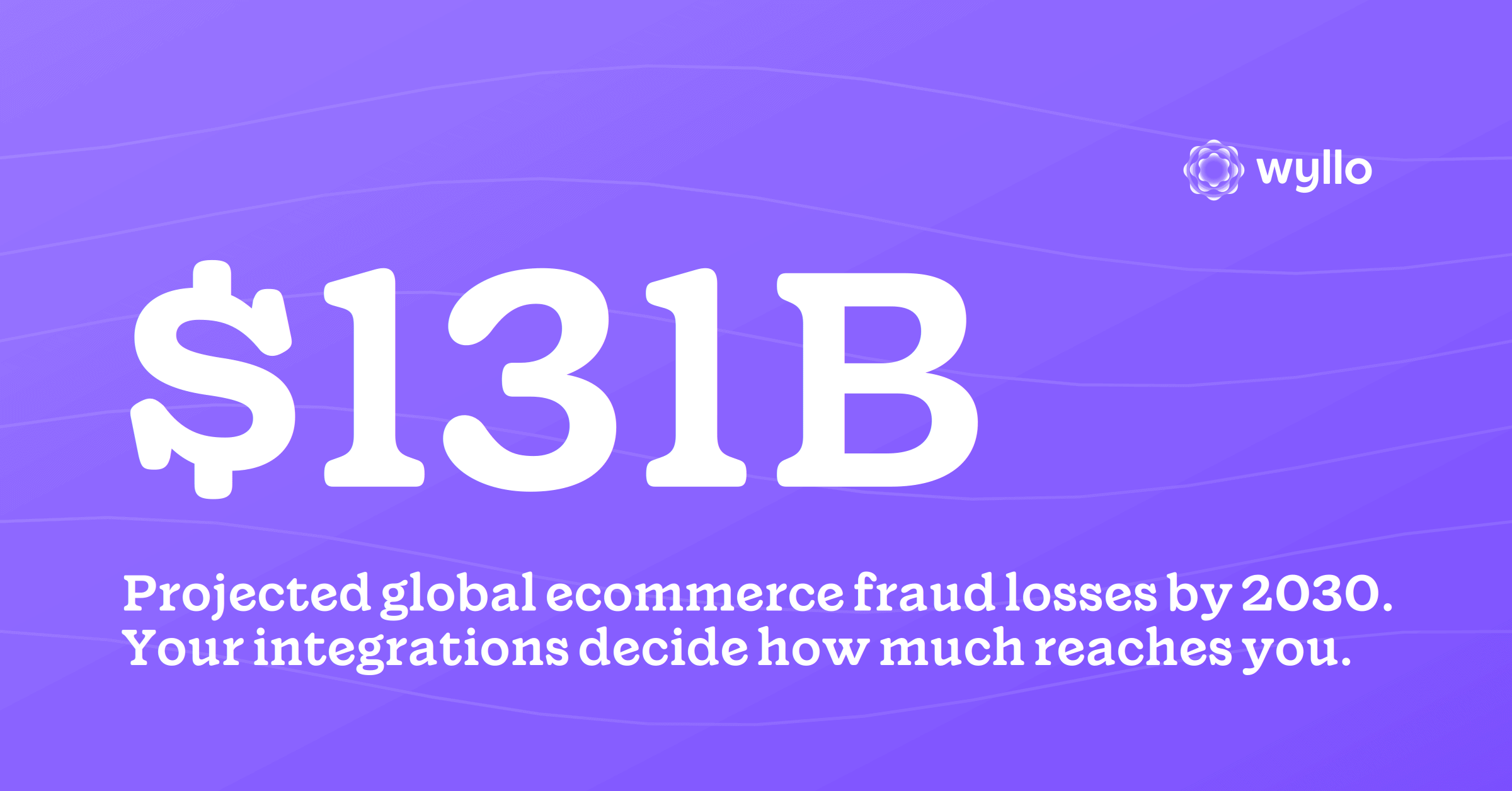
The stakes of getting this right keep growing. Juniper Research projects ecommerce fraud losses climbing from $56 billion in 2025 to $131 billion by 2030, and the operational multiplier on every dollar of fraud, $4.61 per $1 of direct loss by LexisNexis Risk Solutions’ measure, is largely the cost of disconnected handling. This guide is the integration chapter of a bigger decision covered in how to choose ecommerce fraud protection software; read that for the full evaluation, and this for the part most buyers skim.
The Five Surfaces That Matter
Integration lists run long, but for most merchants five connection points carry nearly all the value. Evaluate against your actual stack, not the vendor’s longest page.
- Commerce platform or cart. The primary order feed. A native app for your platform means faster onboarding and fewer engineering hours; confirm it supports your checkout flow, including any headless or custom pieces.
- Payments and PSP. Where decisions meet money: auth data flowing in, and decisions timed correctly against capture. Ask how the tool handles your specific processor, not processors in general.
- Helpdesk and CX tools. Where refund, appeasement, and verification conversations happen. Risk context inside the agent’s ticket changes daily decisions; a standalone dashboard mostly changes tabs. The workflow argument is laid out in why your risk stack should talk to your CX stack.
- Returns and post-purchase. Return fraud and claim abuse live here, and so does the behavioral signal that separates loyal customers from patterns. A fraud tool blind to returns is judging customers on the polite half of their record.
- Order management and edits. Real orders change after approval: addresses update, items swap. Ask whether an edited order is re-screened or whether the original approval silently covers whatever the order became.
Depth Beats Logo Count
Two vendors can both “integrate with” your helpdesk, and one means a nightly CSV while the other means live context in the ticket. Depth questions expose the difference quickly. Does data flow both ways, with your systems’ outcomes feeding the vendor’s decisions, or is it broadcast-only? Do events arrive in real time via webhooks, or on a sync schedule that turns fresh signal into history? Can actions be taken from inside your tools, or does every response require visiting the vendor’s dashboard? And is the integration maintained by the vendor as a first-class product, or was it built once for a deal and left to age?
A practical test cuts through the sales layer: pick your two highest-volume daily workflows, a refund decision and a flagged-order review, and ask the vendor to demo them end to end in your tools. Where the demo leaves their dashboard for yours, you are seeing real integration. Where it doesn’t, you are seeing a roadmap.
Count the Total Cost, Both Directions
Integration quality shows up on both sides of the ledger. Shallow integrations cost engineering hours at implementation, then keep costing: manual exports, swivel-chair reviews, decisions made without context, and the slow accumulation of workarounds. Deep integrations cost more scrutiny up front and pay it back in operations, which is where that $4.61 multiplier gets fought.
Ask each vendor for the honest implementation picture: engineering days by surface, what the merchant maintains versus what they do, what breaks when your platform ships a major update, and how integration issues are supported after go-live. A vendor confident in their integrations answers with specifics and reference customers on your exact stack. Vagueness here is data.
Questions to Ask Before You Sign
- Which of these integrations are native and vendor-maintained, and which are “via API” projects my team builds?
- For my platform specifically, what does onboarding look like in days, and which recent customers on this stack can I talk to?
- When an order is edited after approval, what happens to the decision?
- Can my support agents see risk context and take action inside our helpdesk, or only in your dashboard?
- Does my returns and claims data feed your decisioning, and do your decisions reach my returns flow?
- What happened the last time one of these platforms changed its API, and how fast did the integration recover?
How Wyllo Helps
Integration depth is a founding commitment at Wyllo, the risk intelligence platform for commerce, because connected signals are what make intent readable in the first place.
- Wyllo Payment Fraud Protection connects natively to major commerce platforms and screens the order as it actually is, including re-screening when orders change after approval.
- Wyllo CX Support delivers risk scores and next-best actions inside tools agents already work in, including through the Gorgias partnership.
- Wyllo Return Fraud and Abuse Prevention brings post-purchase behavior into the same intelligence, closing the surface most fraud tools leave dark.
Designed to move with change, because your stack will.
Frequently Asked Questions
What integrations should fraud protection software have?
The five that matter for most merchants: the commerce platform or cart, payments and PSP, the helpdesk and CX tools, returns and post-purchase systems, and order management including post-approval edits. Evaluate against your actual stack rather than the total logo count.
What is the difference between a native integration and an API integration?
A native integration is built and maintained by the vendor for a specific platform and typically installs in days. “Via API” means your engineering team builds and maintains the connection. Both can work; the difference is who owns the effort and the upkeep.
How do you test integration depth before buying?
Ask for a demo of your two highest-volume workflows end to end inside your own tools, confirm data flows both directions in real time, and ask for reference customers on your exact platform. Depth shows up as work happening in your systems, not the vendor’s dashboard.
Do integrations really affect fraud prevention results?
Yes, on both sides of the decision. Tools that see returns, claims, and support behavior judge intent more accurately than checkout-only tools, and decisions that reach agents in their own workflow get acted on faster and more consistently.
Bringing It Together
The integration section of a fraud software evaluation is where the real product shows itself. Detection models are hard to compare from the outside; integration depth is not. It can be demoed, referenced, and tested against the workflows your team runs every day, and it predicts more of your lived experience with the tool than any accuracy claim.
Buy the tool that meets your stack where it is, feeds on the whole customer journey, and returns its judgment to the places decisions happen. The evaluation effort pays back every day after go-live.
For the full decision framework, start with how to choose ecommerce fraud protection software, or explore the Wyllo platform to see connected intelligence across the journey.