Orders that Wyllo does not screen now appear in the Wyllo Portal, clearly tagged and at no extra cost, so your analytics reflect your whole business. By Jordan Shamir, VP of Product & BD at Wyllo.
Not every order that comes through your store is screened by Wyllo. In-store POS sales, PayPal checkouts, $0 orders, and orders excluded by a skip rule on your account all pass through without a decision. Until now, those skipped orders were also invisible in Wyllo.
That gap was larger than it sounds. Across Wyllo merchants, about 3 in 10 orders are skipped, which means customer profiles, order history, and analytics were missing a big part of the picture.
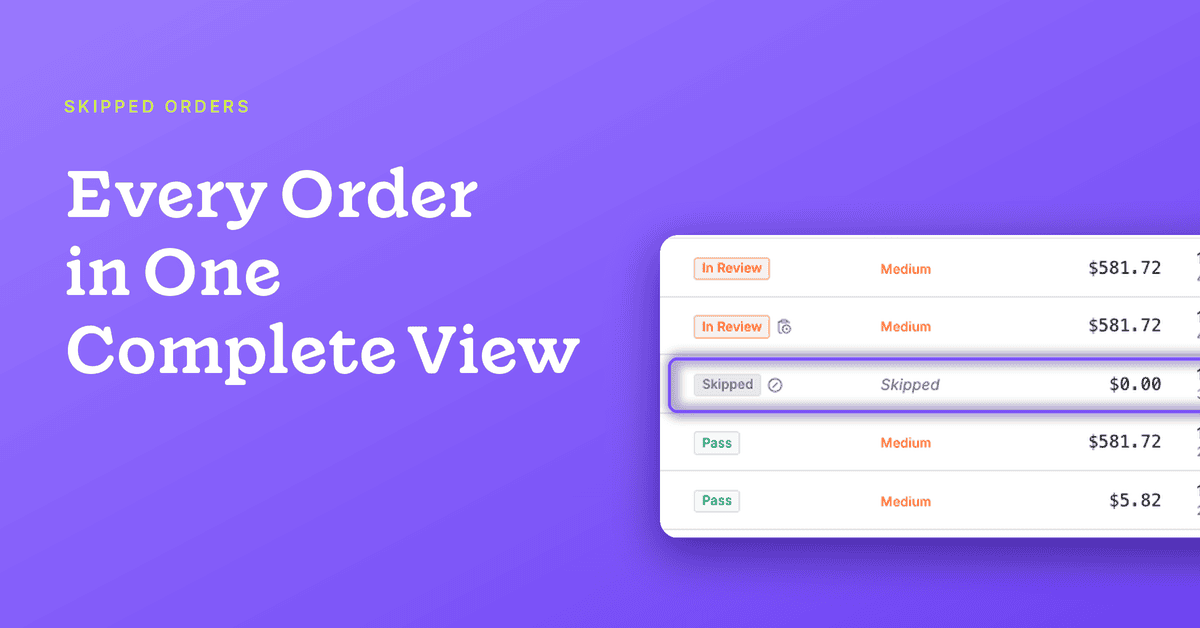
Starting today, the Wyllo Portal brings in every order, including the ones we skip. Skipped orders are still not screened, and you are not charged for them. What changes is that you can see them.
What are skipped orders?
A skipped order is an order that Wyllo did not screen, so it has no Pass or Fail decision. An order can be skipped because of the order itself (for example, it had a $0 total) or because of how your account is set up (for example, it used a payment method or sales channel that your account does not send for screening).
Skipped orders have always existed. What is new is that they now sit alongside your screened orders in Wyllo, labeled so you can tell them apart at a glance.
Why Complete Order Data Matters
Analytics with gaps lead to decisions with gaps. Whatever a business chooses to screen, every order belongs in its view of its customers.
The gap is easy to underestimate. The U.S. Census Bureau’s quarterly retail ecommerce report puts ecommerce at 17.1 percent of total retail sales in the second quarter of 2026. Most retail spending still happens somewhere other than an online checkout, and for a brand that sells in store as well as online, those sales are part of how its customers shop.
Intent shows up in behavior over time. A profile that leaves out some of a customer’s orders is a partial read on that behavior. Bringing skipped orders into Wyllo closes that gap in three ways:
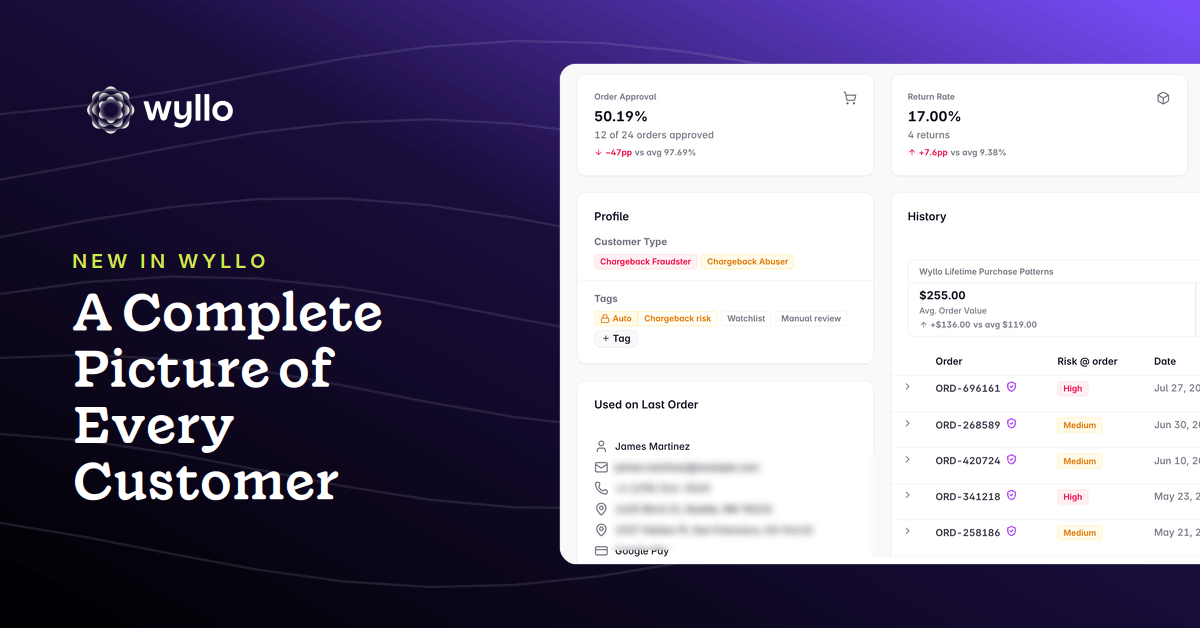
- Complete customer profiles. Skipped orders now count toward each customer’s order history, order count, and lifetime spend, so you see how they really shop with you.
- A truer view of your business. Your order history now includes every sale, and each one is labeled as screened or skipped.
- Policies that work from the full picture. Your policies now draw on everything a customer has bought, so your allowlists, blocklists, and tags reflect their complete history.
What’s New in the Wyllo Portal
A Clear Skipped Tag
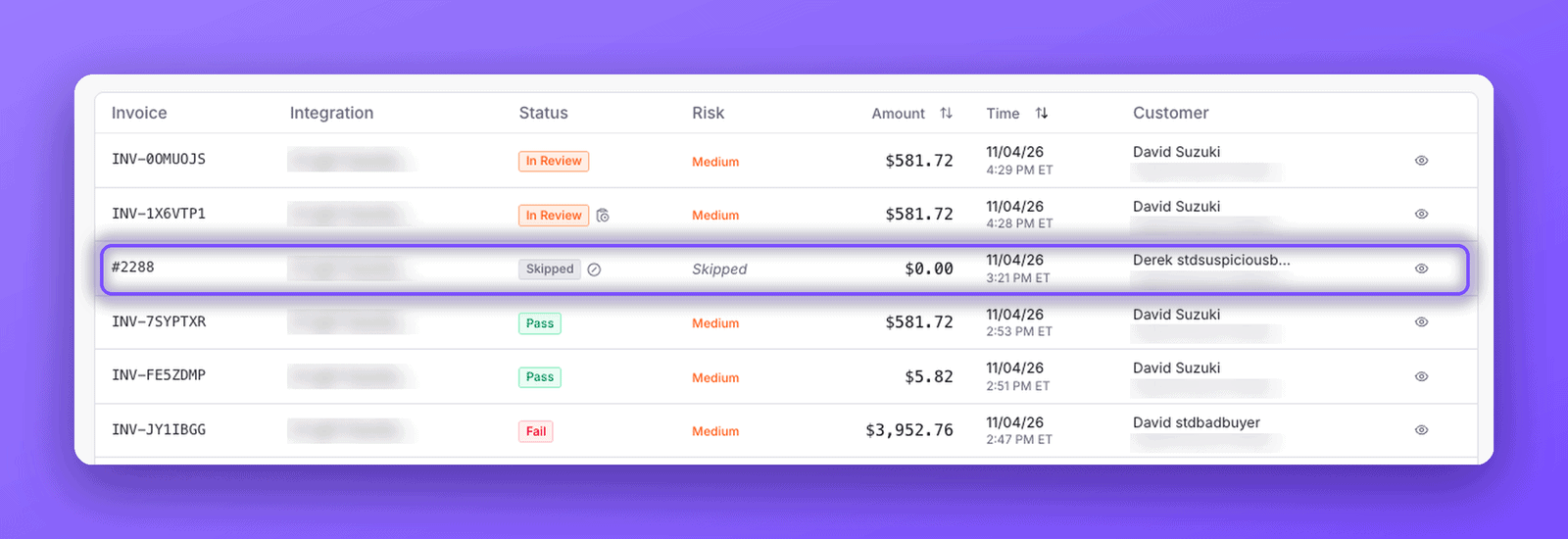
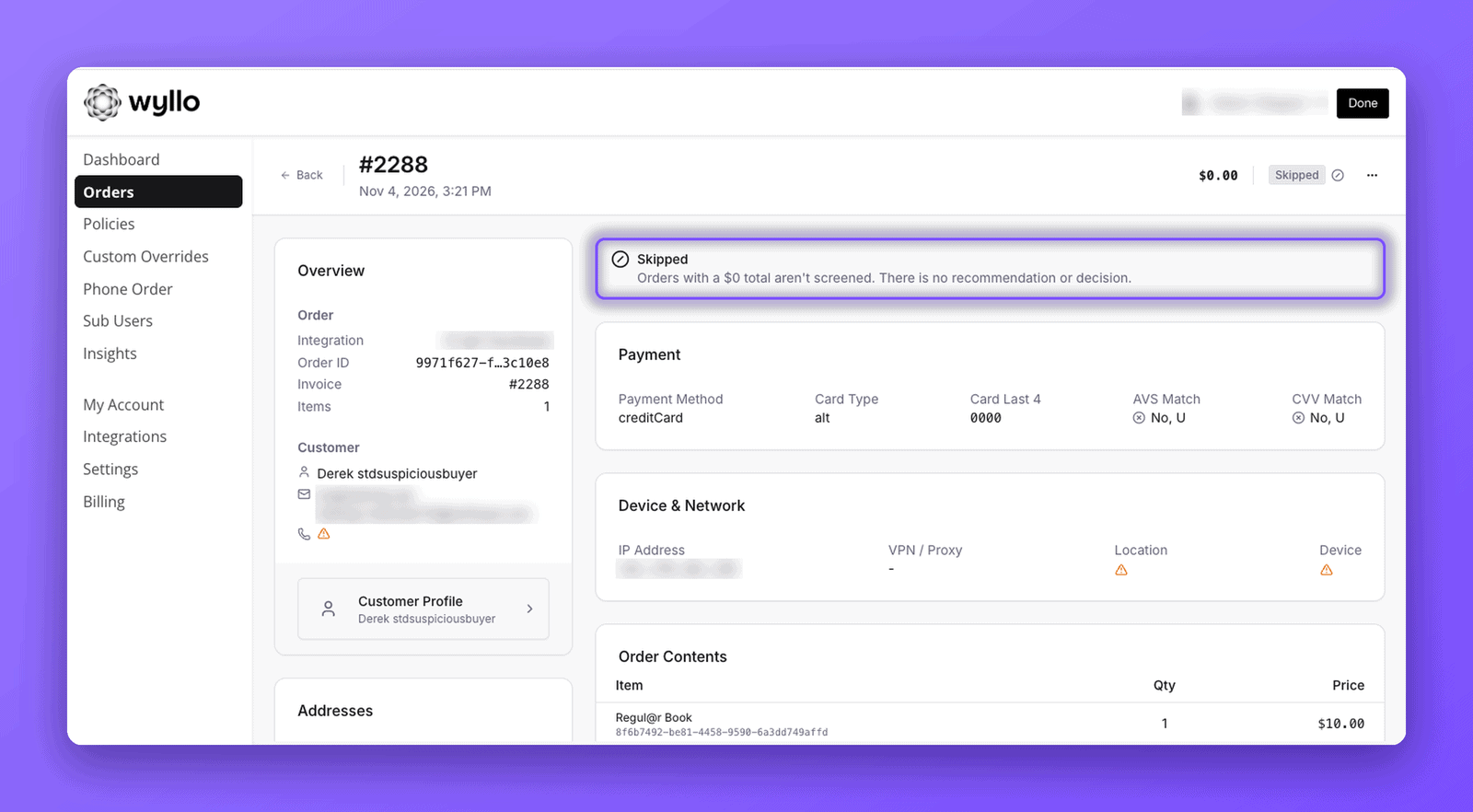
Skipped orders carry a grey Skipped tag in Orders, on the order page, and in each customer’s order history. You will not mistake one for an order Wyllo approved or declined.
The Reason in Plain Words
Hover over the Skipped tag to see why the order was not screened. For example, the order had a $0 total, or it used a payment method your account does not screen.
One Switch to Show or Hide Them
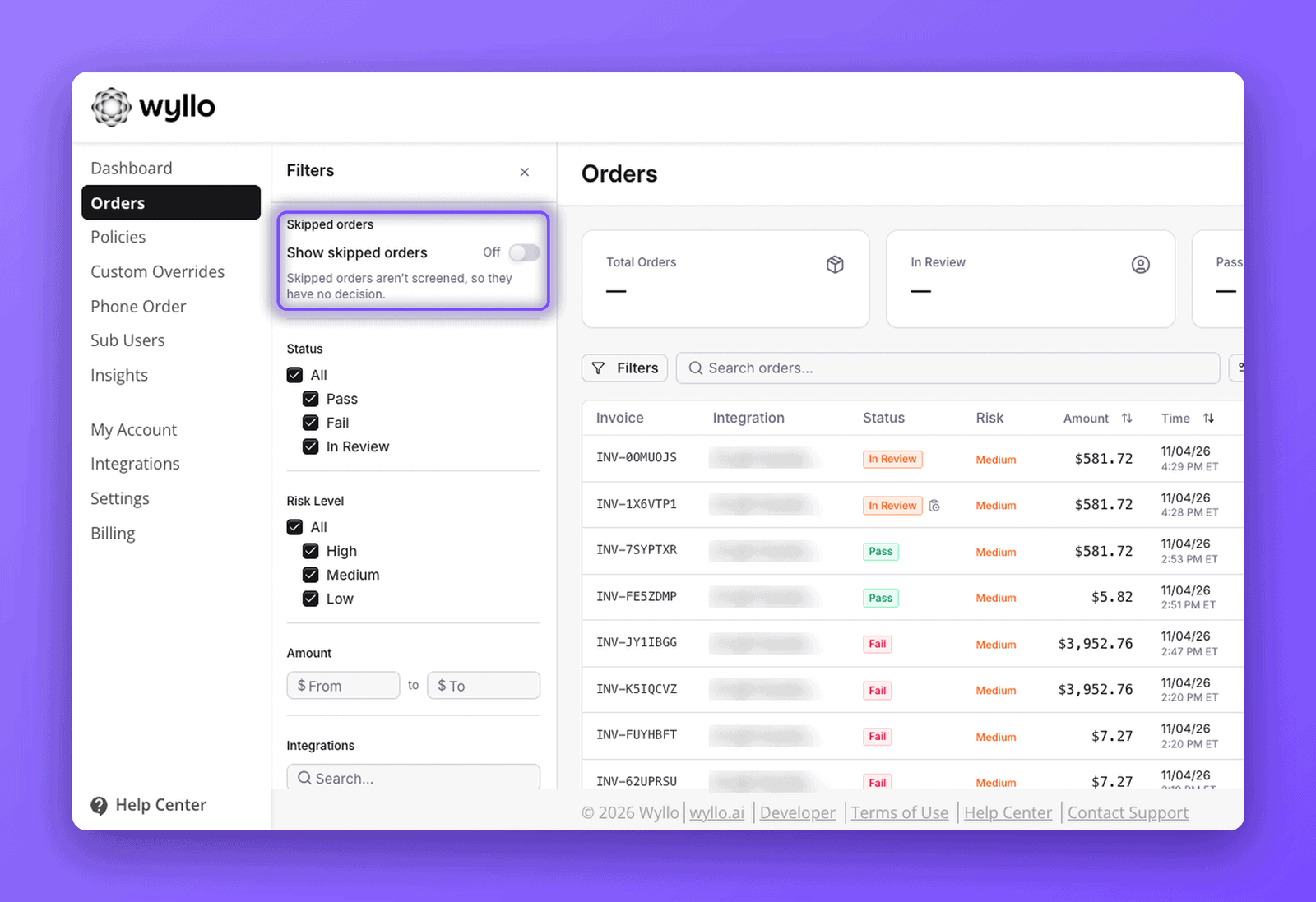
A new Show skipped orders switch is the first option in Filters on Orders. It is off by default, so your usual view stays the same. Turn it on to see skipped orders alongside everything else, or to see skipped orders on their own.
Full Order Details
Open a skipped order to see the customer, products, totals, discount codes, addresses, and payment type. In place of a recommendation, a short notice explains that the order was skipped and why. Anything Wyllo did not receive is marked with a warning icon, so nothing is left blank or guessed.
What Skipped Orders Do Not Change
Seeing an order in Wyllo is not the same as Wyllo screening it. Three things stay exactly as they were:
- Skipped orders are not screened. They have no Pass or Fail decision, so they are not counted as approved or declined and do not affect your approval rate.
- Skipped orders are not billed. They are shown for visibility only.
- Skipped orders are not protected. Wyllo’s Chargeback Guarantee applies only to orders Wyllo screens and approves. Because we do not screen skipped orders, we cannot stand behind them.
Seeing skipped and screened orders side by side is also a good moment to review what your account skips today. If you would like Wyllo to screen more of your orders, your Customer Success Manager can review your skip rules with you and change them at any time.
How Wyllo Helps
Wyllo is the risk intelligence platform for commerce. It connects signals from across the customer journey so that each decision reflects a customer’s intent, and so that the teams acting on those decisions work from the same information. We call that Intent-Aware Decisioning, and it starts with a complete view of the customer.
- Wyllo Payment Fraud Protection screens the orders you send to Wyllo and returns a decision on each one.
- Wyllo Chargeback Management handles disputes and chargeback protection for the orders Wyllo screens and approves.
- The Wyllo platform brings those signals together with your order and customer data in one place.
Clarity over chaos starts with seeing everything.
Frequently Asked Questions
What is a skipped order in Wyllo?
A skipped order is an order Wyllo did not screen. It has no Pass or Fail decision, it is not billed, and it is not protected against chargebacks. It appears in Wyllo with a grey Skipped tag and the reason it was skipped.
Will I be charged for skipped orders?
No. Skipped orders are shown for visibility only and are not billed.
Are skipped orders protected against chargebacks?
No. Only orders Wyllo screens and approves are protected. Skipped orders do not show a protection badge.
Do skipped orders affect my approval rate?
No. Skipped orders have no Pass or Fail decision, so they are not counted as approved or declined.
Can I start screening orders I currently skip?
Yes. Your Customer Success Manager can review your skip rules with you and change them at any time.
Do I need to set anything up?
No. Skipped orders appear automatically. Turn on Show skipped orders when you want to see them.
Where to Find Skipped Orders
Open Orders and switch on Show skipped orders in Filters. Your skipped orders appear next to the orders Wyllo screened, each with its tag and its reason.
Want a quick tour? Ask your Customer Success Manager for a 15 minute walkthrough. We will show you your skipped orders, walk through what they add to your customer profiles, and help you decide which ones are worth screening.