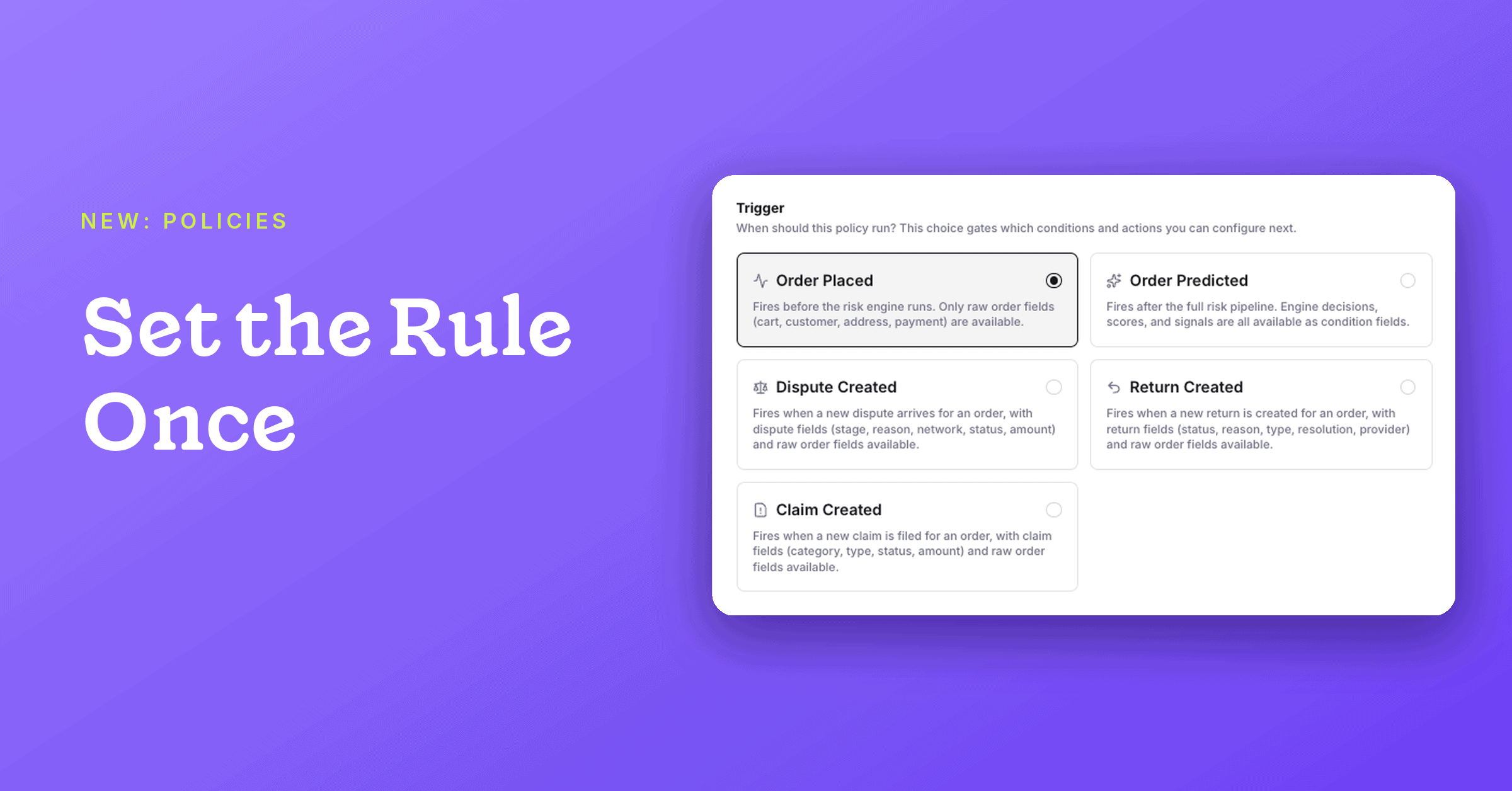
Set a rule once, and Wyllo applies it to every order.
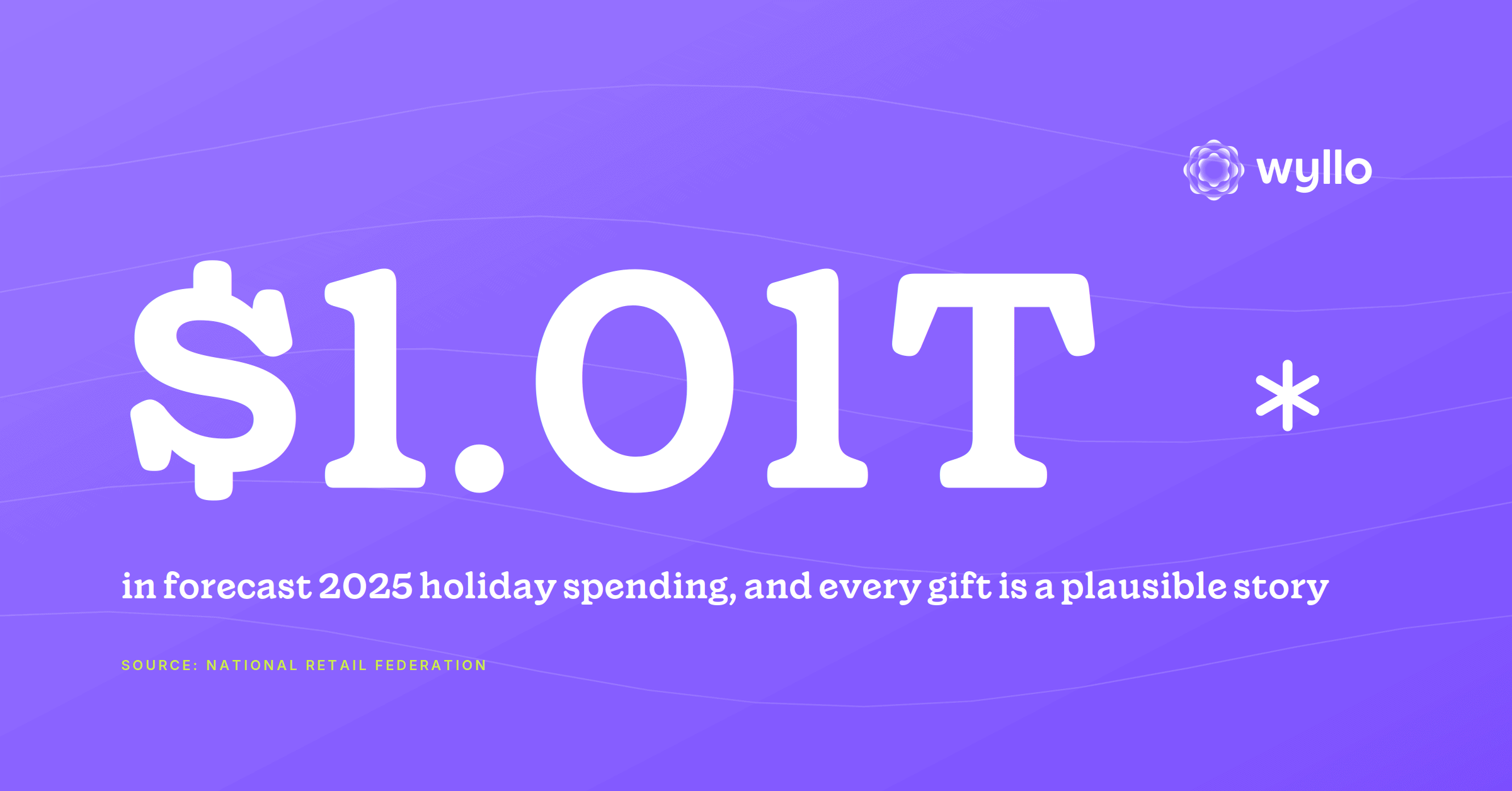
Most allowlists and blocklists are still kept by hand, and peak season is when that work falls behind. The National Retail Federation expects holiday sales to grow again this year, which means more orders and more lists to keep current.
Policies bring allowlist and blocklist automation to the Wyllo Portal. A customer’s intent shows up in how they behave over time. Policies turn what Wyllo knows about that behavior into action, without a spreadsheet in the middle.
| Part | Definition | Options |
|---|---|---|
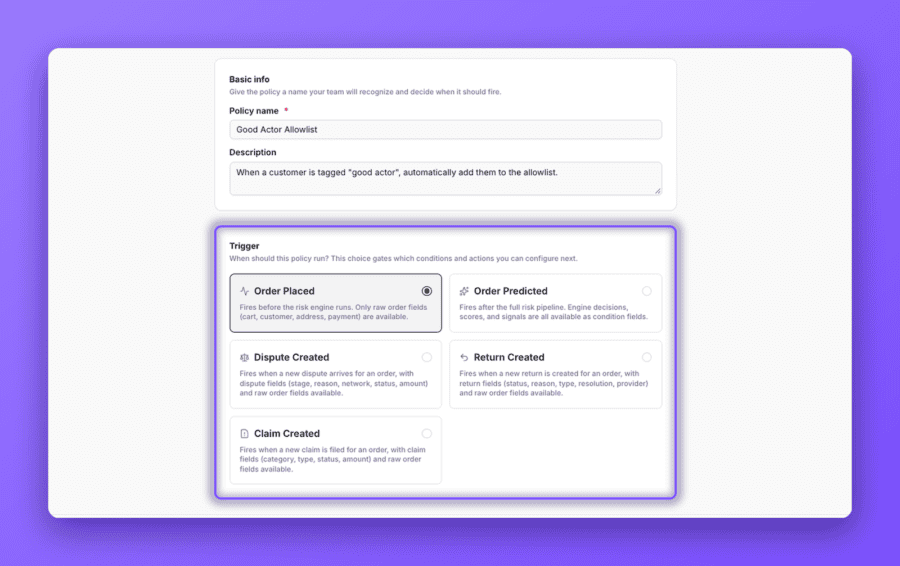
| Trigger | The event that starts a policy | Always Available:
Shown When Data is Available:
|
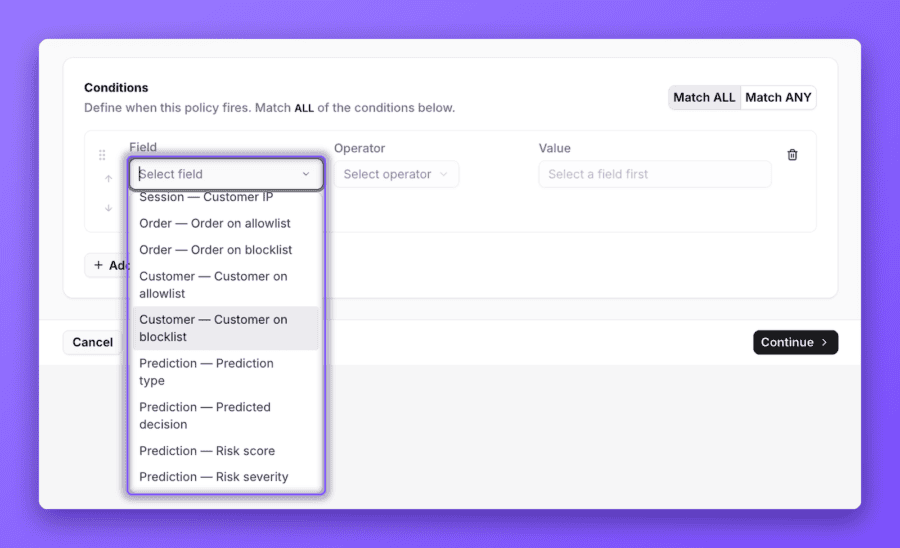
| Conditions | The checks an order or customer must meet before the policy acts | Order: Order total, Subtotal, Total discounts, Total tax, Total shipping, Order total (USD), Order tags, Discount Percentage, Discount Codes Used, Total SKUs, Total units, Order number, Order on allowlist, Order on blocklist Customer: Shopper email, Tags, Customer on allowlist, Customer on blocklist Billing address: Name, Street address, City, State, Zip, Country Shipping address: Name, Street address, City, State, Zip, Country Payment: Payment method, Card BIN, AVS Result, CVV Result, Session: Customer IP Dispute: Dispute stage, Dispute reason, Dispute network, Dispute status, Disputed amount, Dispute currency, Protected dispute |
| Actions | What Wyllo does when the conditions are met | Shopify:
Wyllo Actions
|
How a Policy Works
Every policy has three parts.
If you do not see a trigger, Wyllo is not receiving that data from your store yet. You can connect the source in Integrations.
Build Your Own Policy
- Open Policies and start a new policy.
- Basic Info: name it and choose a trigger.
- Conditions: choose who or what it applies to.
- Actions: choose what Wyllo does. Add more than one if you need to.
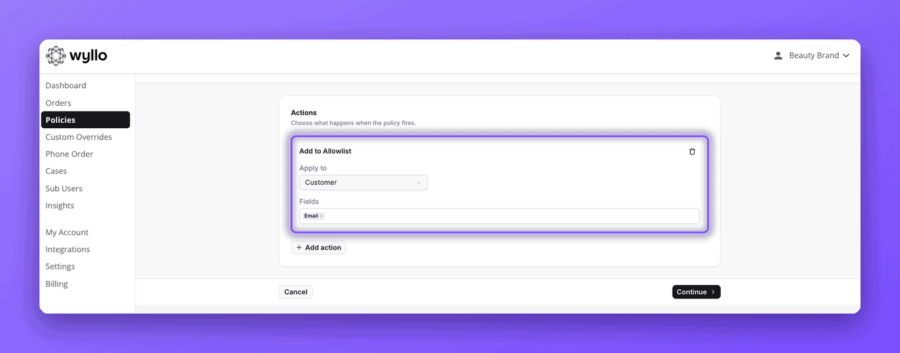
- Review: check the summary and publish.
Two Policies to Try First
| Goal | Trigger | Condition | Action |
|---|---|---|---|
| Allowlist trusted customers | Customer Tags Updated | Customer Tag is your trusted tag | Add to Allowlist |
| Blocklist flagged customers | Order Predicted | Customer prediction is Return Fraudster, FTID Fraudster, or Chargeback | Add to Blocklist |
Check What a Policy Is Doing
Each policy then shows how often it has run, the orders it affected, and when it last ran.
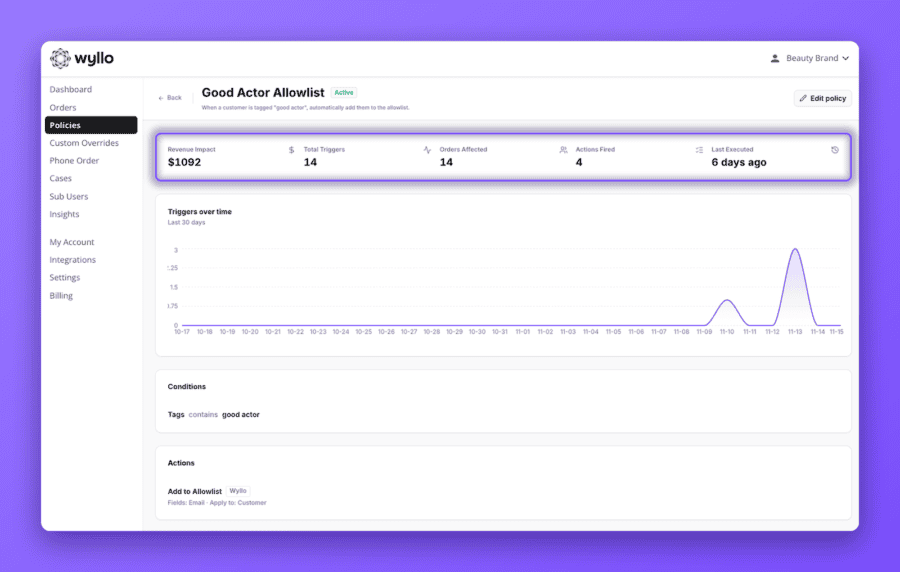
Open a policy to see:
- Total Triggers
- Orders Affected
- Actions Fired
- Last Executed
One Limit to Know
Orders passed by your Allowlist are not screened by Wyllo, so they are not eligible for the Chargeback Guarantee. Use the Allowlist for customers you are prepared to stand behind yourself.
How Wyllo Helps
Wyllo is the risk intelligence platform for commerce. Policies put Intent-Aware Decisioning to work across it:
- Return Fraud and Abuse Prevention identifies the return patterns behind Protect Your Returns.
- Bot and Reseller Detection identifies the resellers behind Catch Resellers Early.
- The Wyllo platform connects these signals across the customer lifecycle.
Frequently Asked Questions
What is allowlist and blocklist automation?
It means your Allowlist and Blocklist are updated by rules you set, not by hand.
Are allowlisted orders eligible for the Chargeback Guarantee?
No, orders passed by your Allowlist are not screened and are not eligible for the Chargeback Guarantee.
Can I launch a Policy myself?
Yes, you can build and publish Policies yourself from within the Wyllo Portal.
Why is a trigger missing?
Some triggers are shown only if Wyllo has that data from your store.
Bringing It Together
Knowing what a customer is likely to do only matters if something happens next. Need help building a policy? Ask your Customer Success Manager or contact Wyllo Support.